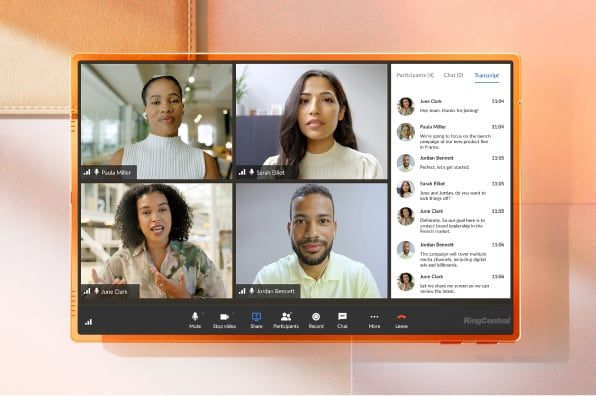
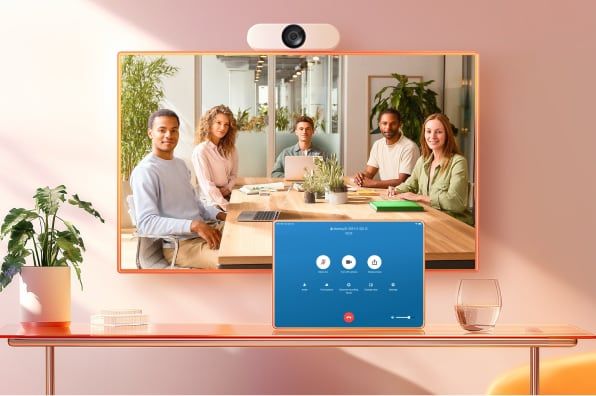
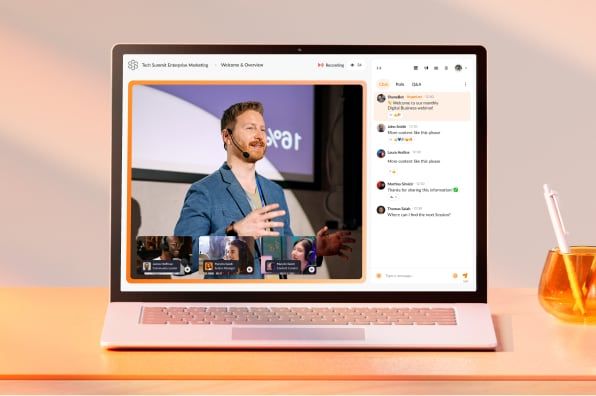
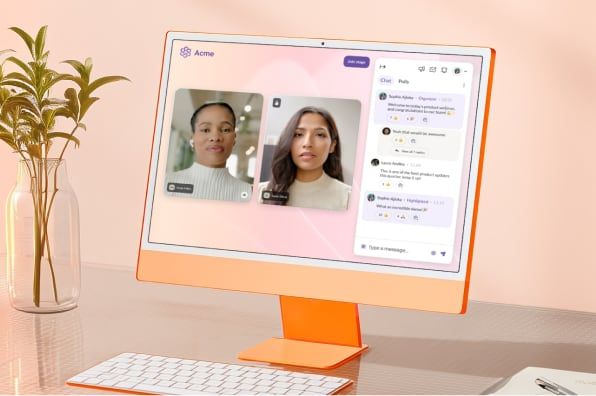
RingCentral Webinar (500 attendee license) is now included for all RingEX Ultra and Customer Engagement Bundle users.

Say goodbye to stressful and complex town halls, trainings, and other large meetings, with a solution that's simple to set up and easy to run.


Set up in as little as two clicks, and run town halls that are easier than running a meeting.

Join from any browser with no app downloads, and engage using translated Q&A, polls, and live interaction.

Streamline setup with an AI writer and reduce Q&A stress with AI-assisted responses.

Ensure controlled sessions by managing panelists backstage and bringing attendees on stage to speak.
Attendees get one simple link that allows them to join via mobile or desktop — no download required.
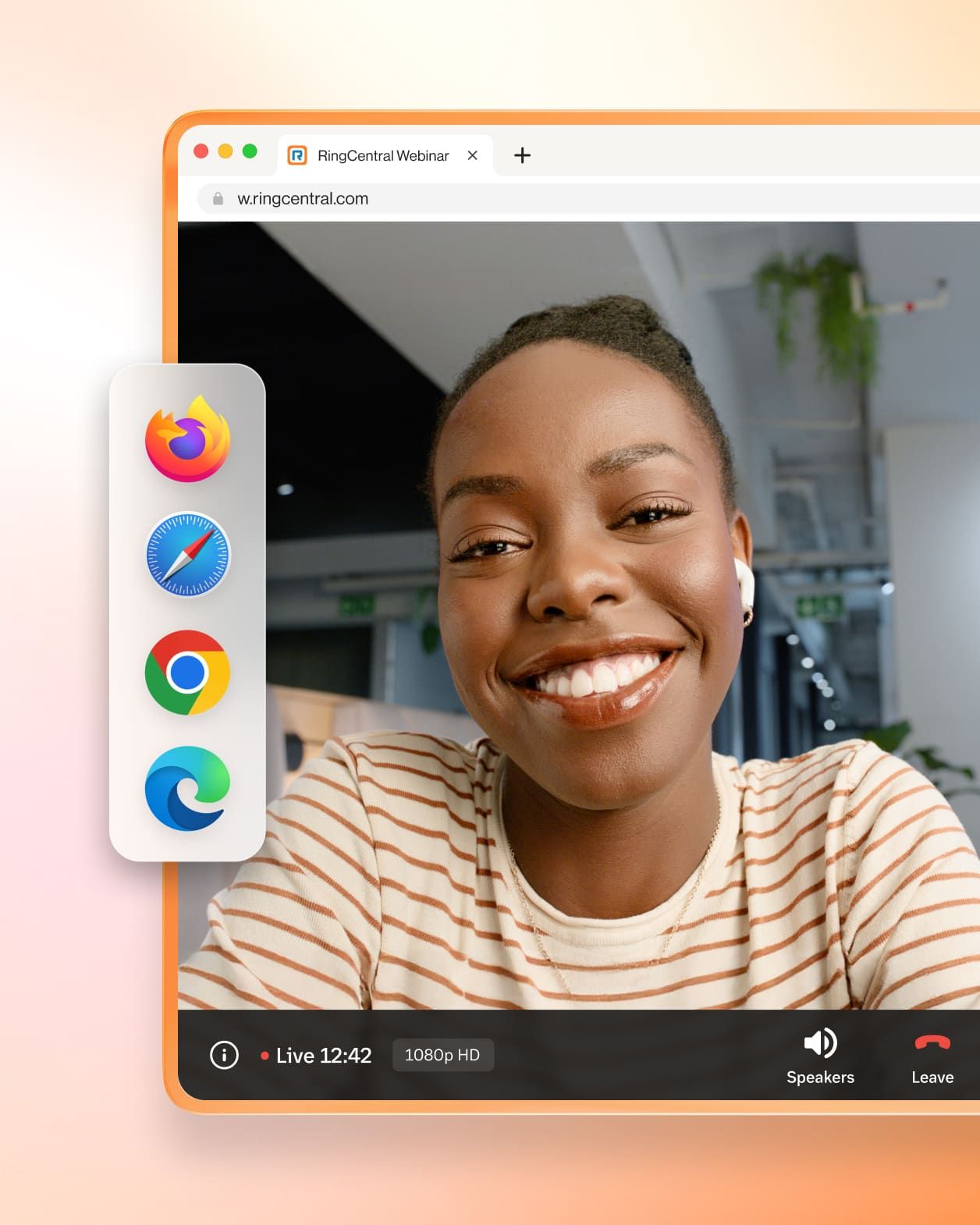
Stay connected with panelists and attendees engaged with chat, polling, emojis, and Q&A.
Automatically schedule rehearsals before going live, and easily bring panelists together to debrief in private after the webinar.
Engage with your audiences by bringing them on stage to comment or ask a question live.
Add your company’s logo and branding with simple drag-and-drop functionality to your registration forms.
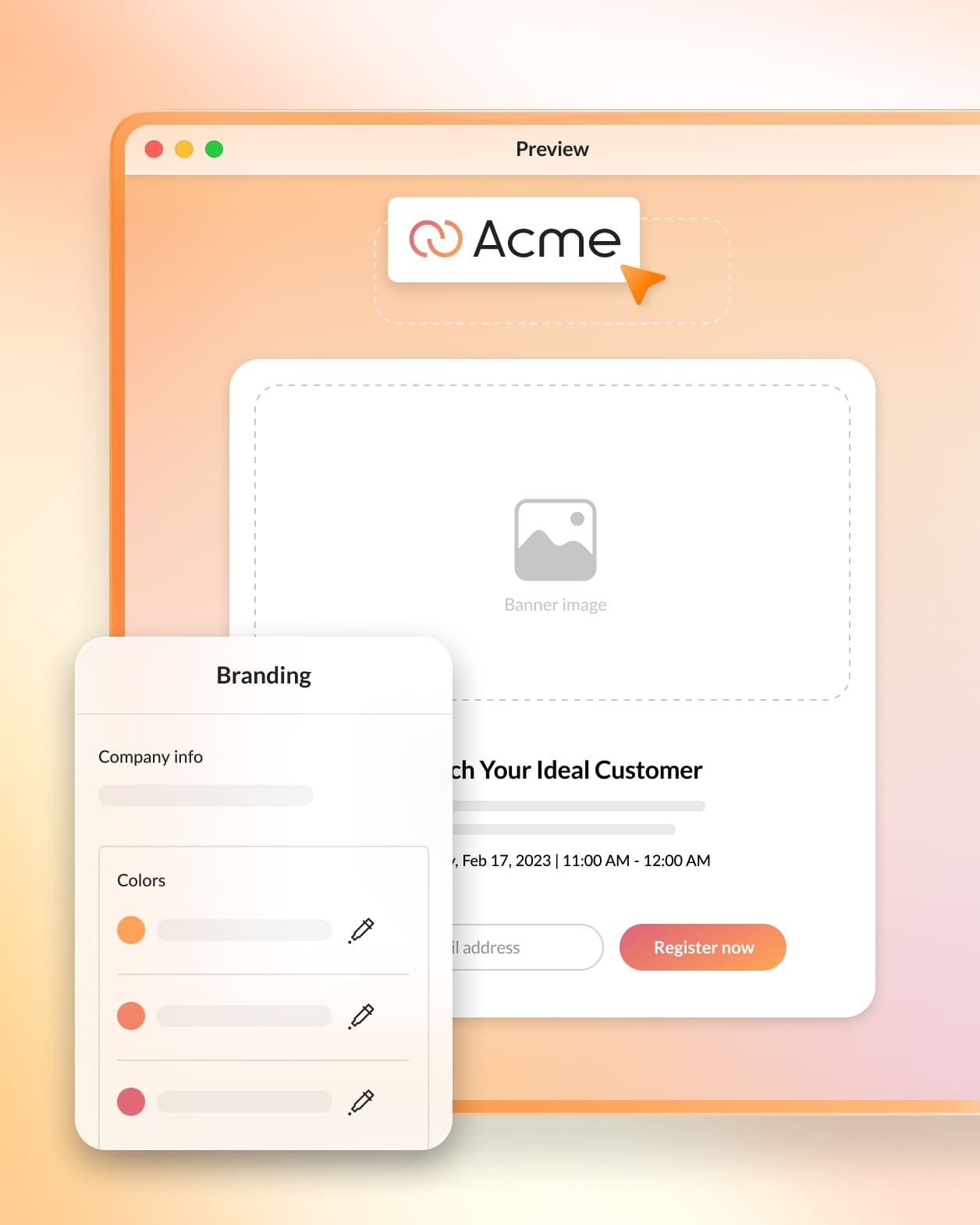
Gather valuable insight into your attendees’ interests by adding customized questions at the registration stage.
Track performance, review participant statistics, and get insights, with intuitive reporting and analytics from the host panel.
Maximize audience attendance with automated reminder and follow-up emails, and easily share recordings of your webinars and trainings.

Make webinar set up and execution even easier and more inclusive using AI.
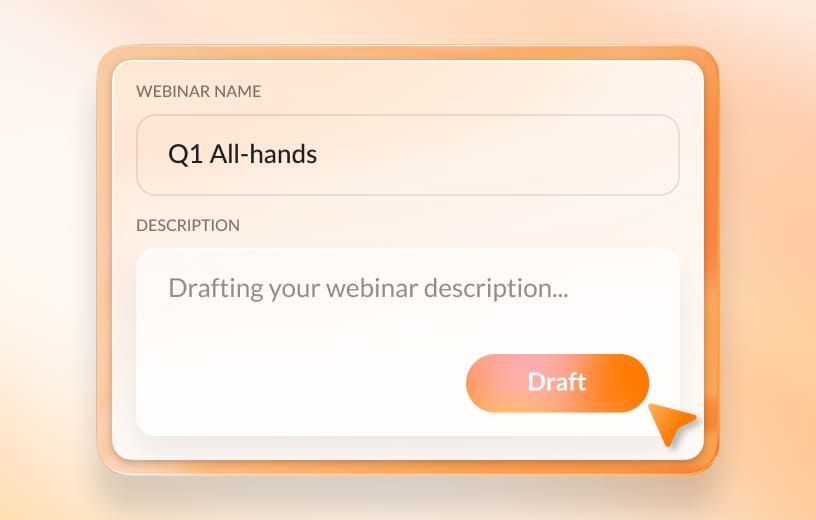
Eliminate writer’s block during set up with AI-generated Smart Content.
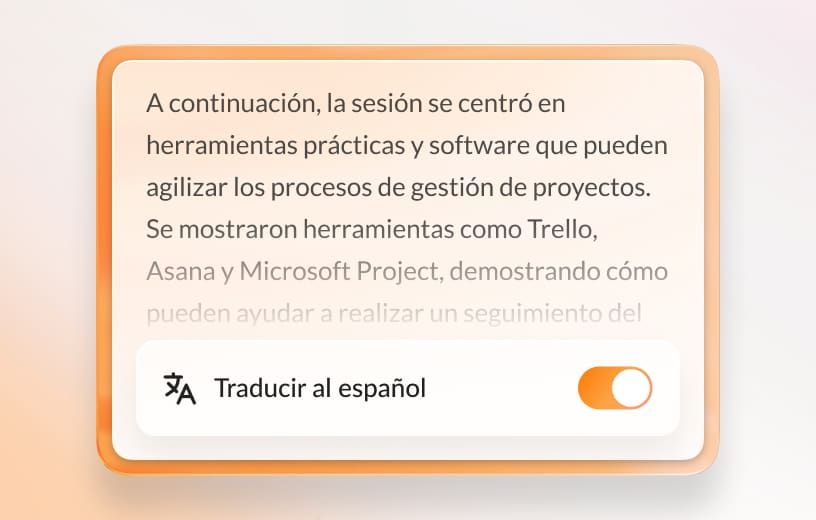
Run more inclusive webinars with Smart Translations within Q&A for your global audiences.
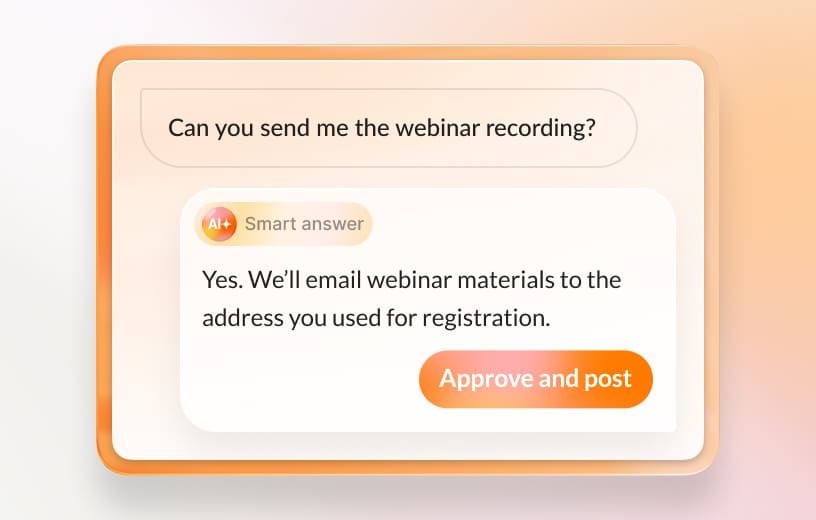
Let AI help craft live Q&A responses (and post with your approval) using Smart Answers.
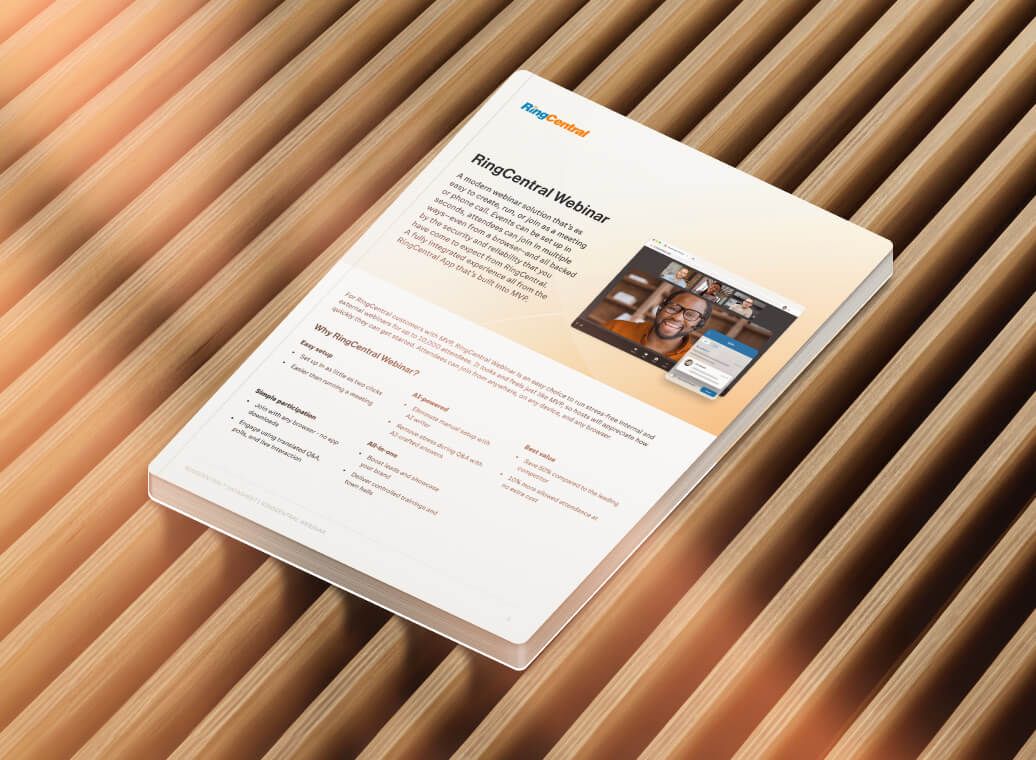
Explore additional features and capabilities in our RingCentral Webinar product guide.
RingCentral Webinar and RingCentral Video serve different collaboration needs.
RingCentral Webinar is our virtual town hall designed for large-scale presentations, large meetings, all-hands, and more. It supports up to 10,000 attendees in a controlled presentation environment with designated hosts and panelists. The solution includes advanced engagement features like moderated Q&A and polls, along with comprehensive registration and attendance tracking. To maximize participation, it offers automated email reminders and follow-ups. Webinar also leverages AI-powered features for managing questions and translations, making it ideal for large company events and formal presentations.
RingCentral Video is our video conferencing solution built for interactive team meetings of up to 300 participants. It's optimized for collaborative sessions where everyone needs equal participation rights and works perfectly for ad-hoc conversations and quick team huddles. The platform comes with built-in team messaging capabilities, easy screen sharing, whiteboarding tools, and breakout rooms for small group discussions, making it the go-to choice for daily team collaboration.
While both solutions offer high-quality video capabilities, they complement each other for different business needs. You can use RingCentral Video for your daily team meetings and internal collaboration, while relying on RingCentral Webinar for your large-scale company events, trainings, and presentations where you need more control over the participant experience and enhanced management features.
No. Panelists and Attendees can join a RingCentral Webinar from a shareable web browser link or the RingCentral desktop and mobile apps.
Unless specified by the host, panelists and attendees do not need to sign in or sign up for an account, or download the RingCentral Webinar software to attend a RingCentral Webinar.
However, hosts and moderators require a RingCentral account to set up a virtual webinar.
Existing RingCentral customers: Add RingCentral Webinar to your account through the admin portal, or contact sales / your account executive directly.
Note: RingEX Ultra, Ultimate, Customer Engagement Bundle, and paid Meetings license users will automatically get RingCentral Webinar (500 attendees) turned on by default! Admins can go into settings to find a toggle to disable or enable for all users.
RingCentral Webinar is currently available in the USA, Canada, United Kingdom, India, Singapore, Australia, France, Germany, Netherlands, Switzerland, and other EU regions.
You can add-on RingCentral Webinar to Core, Advanced, Ultra, Standard, Premium, Ultimate, and Global Ultimate RingEX plans.
Note: RingCentral Webinar (500 attendees) is now included for all RingEX Ultra, Ultimate, Customer Engagement Bundle, and paid Meetings license users at no additional cost!
Yes, you can. Invite prospects, vendors, or guests with your secure RingCentral Webinar link.
You can even customize your RingCentral Webinar invite to include any important details, gather participant data, and secure your session with a password.
RingCentral Webinar supports up to 10,000 attendees per session, with up to 1,000 interactive participants who can be brought on stage to speak. This makes it ideal for large company-wide meetings, all-hands sessions, and major corporate announcements.
The AI-powered Q&A feature is designed to streamline question management during town halls. It intelligently suggests responses to common questions and groups similar inquiries together for efficient handling. The system provides draft responses that hosts can review and modify, while supporting multiple language translations for global accessibility. Throughout the process, hosts maintain full control and can review all AI-suggested responses before they're shared with attendees.
RingCentral Webinar offers extensive integration capabilities to fit seamlessly into your existing workflow. The platform integrates with popular calendar systems like Google Calendar and Microsoft Outlook, and supports Single Sign-On (SSO) for convenient access. RingCentral Webinar also integrates with CRM platforms such as Marketo, Salesforce, and Zapier to connect registration data to your marketing automation systems.
For custom needs, APIs are available for developing specialized integrations. The platform also connects with RingEX Analytics for detailed insights, and provides robust export capabilities for attendance and engagement data.
RingCentral Webinar prioritizes security with a comprehensive set of features to protect your sessions. The platform offers optional password protection for sessions and waiting room capabilities to control access. Hosts have detailed controls over screen sharing and participant permissions. All communications are protected with end-to-end encryption, and the platform maintains compliance with major security standards and regulations.
For RingEx customers, the platform integrates seamlessly with organization's SSO and authentication systems.
Add on RingCentral Webinar, and get started today.


RingCentral Webinar is extremely simple and easy to use. I really appreciate not having to worry about sending reminders and follow-up emails; it's all taken care of through RingCentral!
Claudia Bolognesi | Marketing & Supporting Member Business Development, American Association of Franchisees & Dealers (AAFD)
297
Requirements met
$300
Saved per agent